
Started v3.2 of WI-0417 from the controlled template.
Filling line set-up · v3.1 effective
Solutions · Document & Records Control
The system says v3.2.The workstation says v2.8.
Documents are approved in one place, copied to a share and printed for the floor, so the version in use drifts from the one approved. Unifize keeps one controlled version, its approval and where it went on the same record.
The document controller's home: what is waiting, and on whom
Runs wherever the current version has to be provable
Every controlled page, from draft to retired.
The document work quality and operations actually run, as governed workflows: named authors and approvers, an effective date the floor can see, and the old version pulled back when the new one goes live.
Controlled documents
SOPs, work instructions, specifications and forms, authored, approved, distributed and retired under control.
- Document authoring, review and approval routing
- Work instructions linked to training
- Distribution, acknowledgement and obsolescence
- Periodic review and re-approval
Labels and artwork
Labels, inserts, instructions for use and carton artwork, released under regulatory and brand control.
- Label and artwork control
- Multilingual proofing
- Artwork release against production and stock
The record behind the record
Who can sign, what the audit trail shows, and proof that every electronic signature holds.
- Periodic access reviews
- Audit trail reports on demand
- E-signature governance · Part 11 and Annex 11
The document is controlled. The copy in use is not.
The failure modes we see inside document control. None of them is a missing feature. All of them are versions that left the record.
- SOP version drift between the wiki, file share, and shop floorThe current version depends on where you look.
- Effective-date governance ambiguous at point of useBetween approval and the effective date, the floor guesses.
- Document approval queue invisible until SLA breachNobody sees the queue until the breach alert does.
- Periodic review of controlled documents stalls without owner accountabilityThe reminder goes out again. The review still does not happen.
Site-by-site reconciliation under an audit clock. That scramble is the coordination tax.
Measure your coordination tax →Control the version where it is used.
Most document systems record the approval. Unifize carries the revision through review, sign-off, the effective date, the training it triggers and the copies it retires, so the version on the floor is the version on the record.
One product runs the document work.
Document Control ships inside the Document Management System, next to the training and change control every revision touches.
Runs in
Document Management System
One controlled version of every document, its approval, its training and where every copy went.
Explore the product →It sits beside the systems you already run.
Keep the ERP, PLM, MES and LIMS that hold your products, batches and results. The controlled document runs on Unifize, linked to the records that use it, approved with a 21 CFR Part 11 signature.
Proof, to the standard you'd hold us to.
A signed baseline, plus the teams who run their documents on Unifize, in their own words.
- Customer-attested · medical devices41%lower non-conformance coordination cost, measured in year oneMedical-device manufacturer$81,350 a year recovered against a signed $198,150 baselineSigned baseline, anonymized
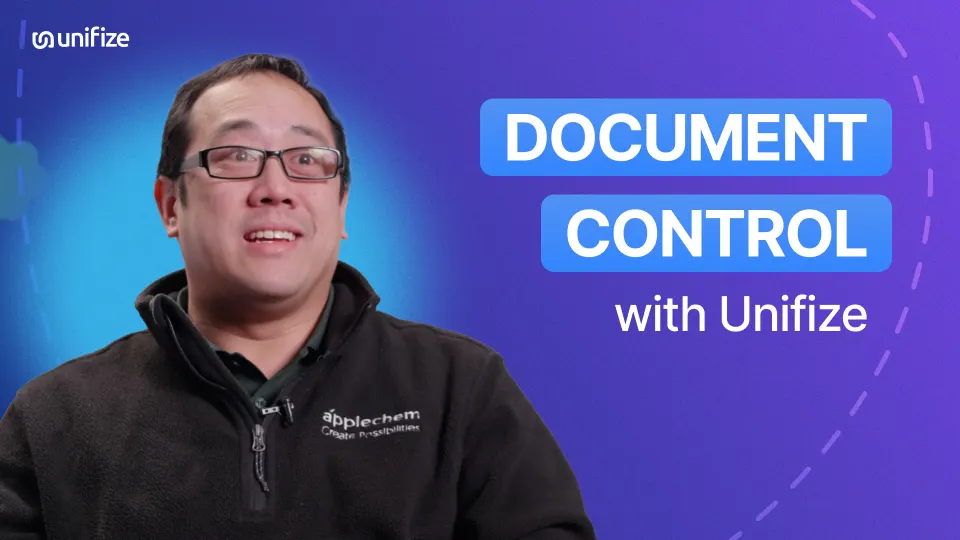 ApplechemWilson LinWhole document library uploaded in a week or two
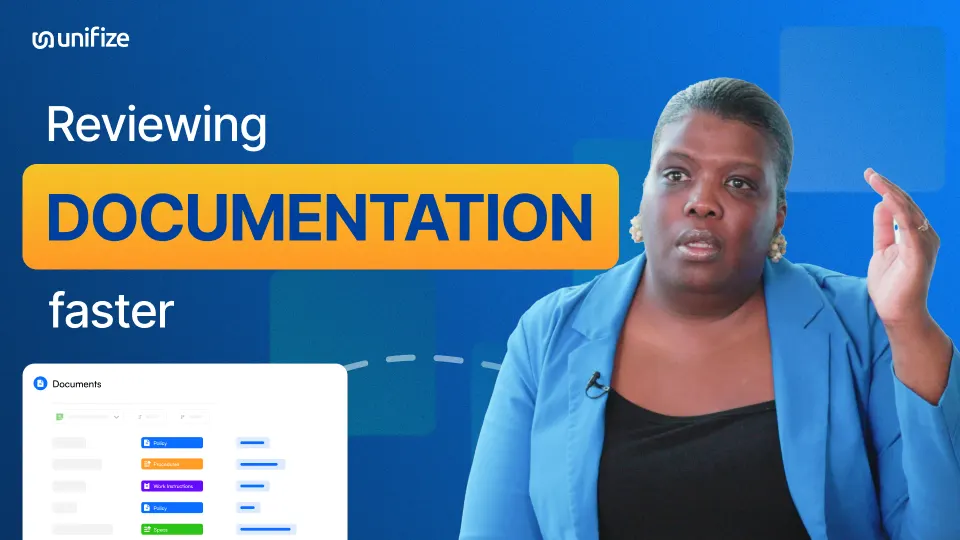 Erica BennermanNutritional SupplementsIngredient document checks cut to half the time or less
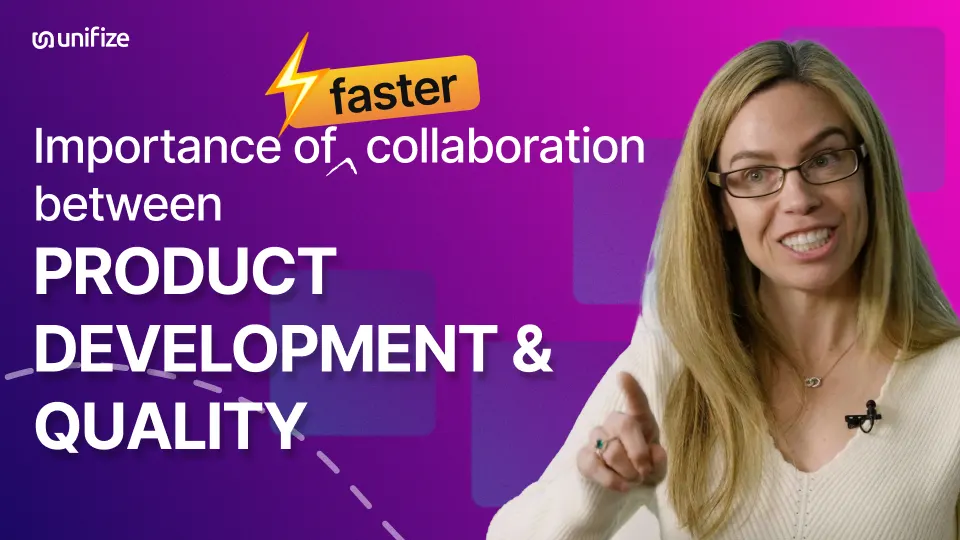 Natalie JonesNutritional SupplementsReviewed ingredient documents visible, no re-review needed
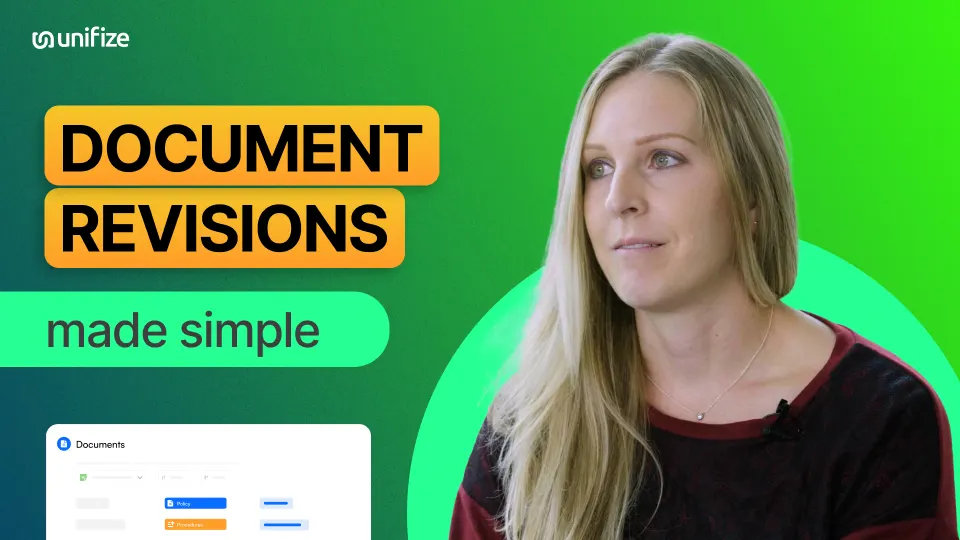 Mikala HukkaNutritional SupplementsOnly the current revision is visible, so no confusion
 Erica BennermanNutritional SupplementsAny SOP pulled in a moment, each revision tracked
 Harmonic BionicsMichael Hogan, Mechanical EngineerLatest part revision marked active, older ones obsolete
 Harmonic BionicsMichael Hogan, Mechanical EngineerPen-and-paper records replaced, same format every time
When the document becomes the finding.
Each of these starts a clock, and each routes into document control, so the response is assembled from the record instead of rebuilt by hand.
Audit finding on document control
Routes to Document Control · owned by VP Quality · Document Control
Version mismatch at site discovered
Routes to Document Control · Training Management · owned by Document Control · Quality · Manufacturing
Customer audit notification
Routes to Document Control · owned by Quality · Customer Quality

One version. The one in use.
Bring one real document, an overdue review or a revision stuck in approval, and see it run on your own work in a 30-minute walkthrough.